MX-P3 Internal Settings Menu
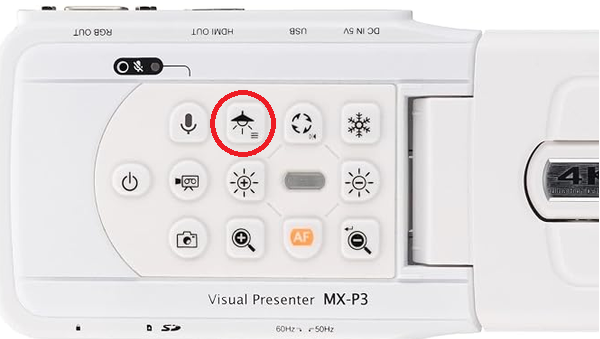
To access the MX-P3's internal settings menu, press and hold the LED light button for 3 seconds.
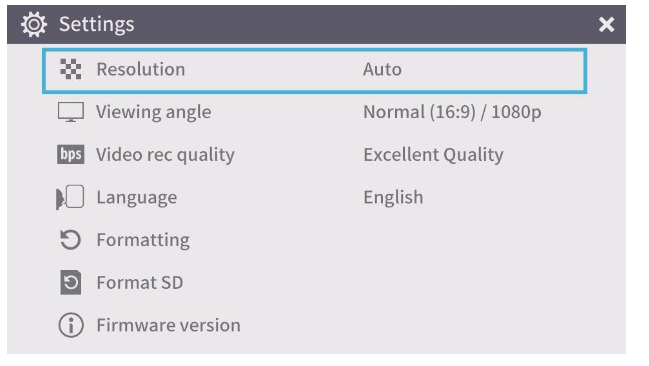
You can navigate the menu using the Rotation button, AF AutoFocus button, and Zoom Out (-) button.
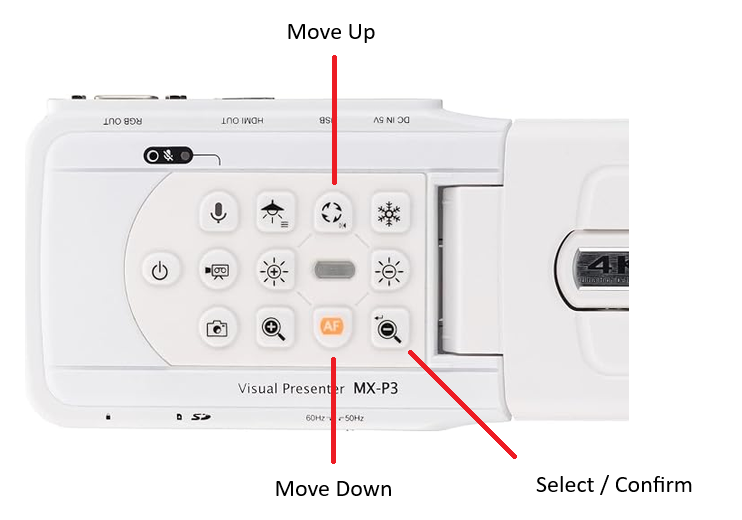
You can navigate the menu using the Rotation button, AF AutoFocus button, and Zoom Out (-) button.